

Hunt Screenshot
Capture a full page, the visible area or a selection, then annotate, blur and save it. Screen recording too. Free, no sign-up.
On our list. It comes after the ones marked "Coming soon".
What it does
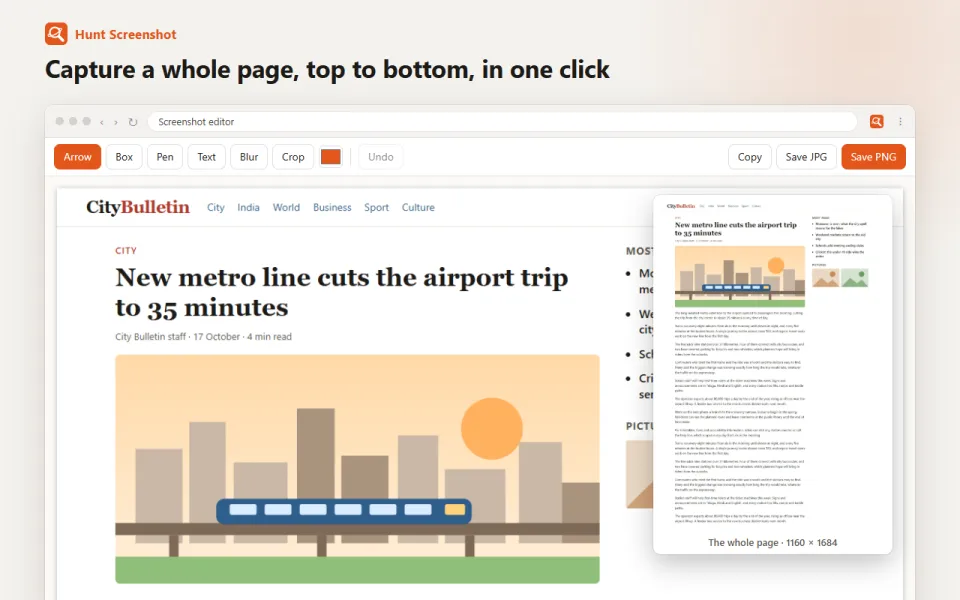
- Full page capture: scrolls the page for you and joins it into one image; sticky headers appear once, not on every screen
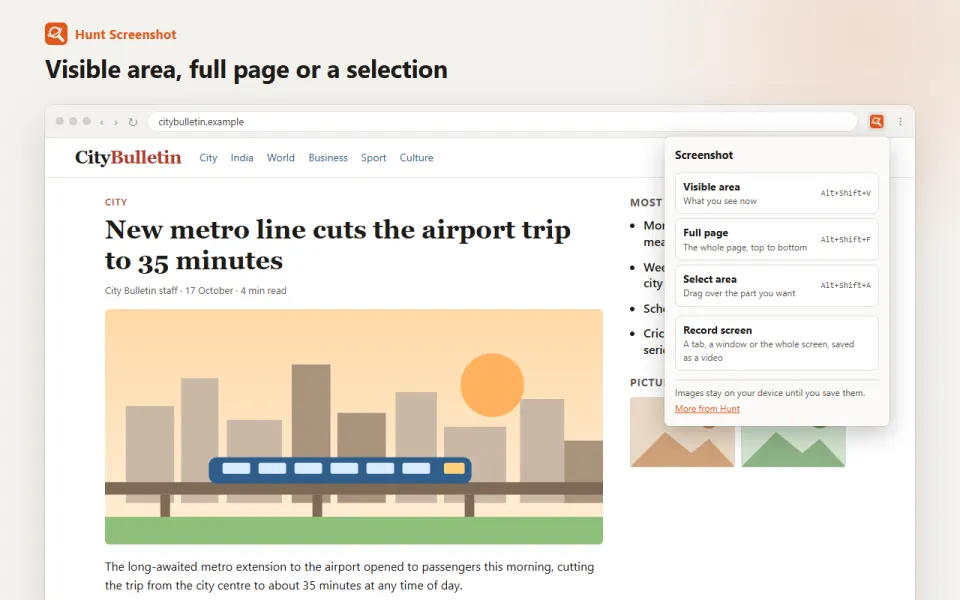
- Visible area capture and select-an-area capture
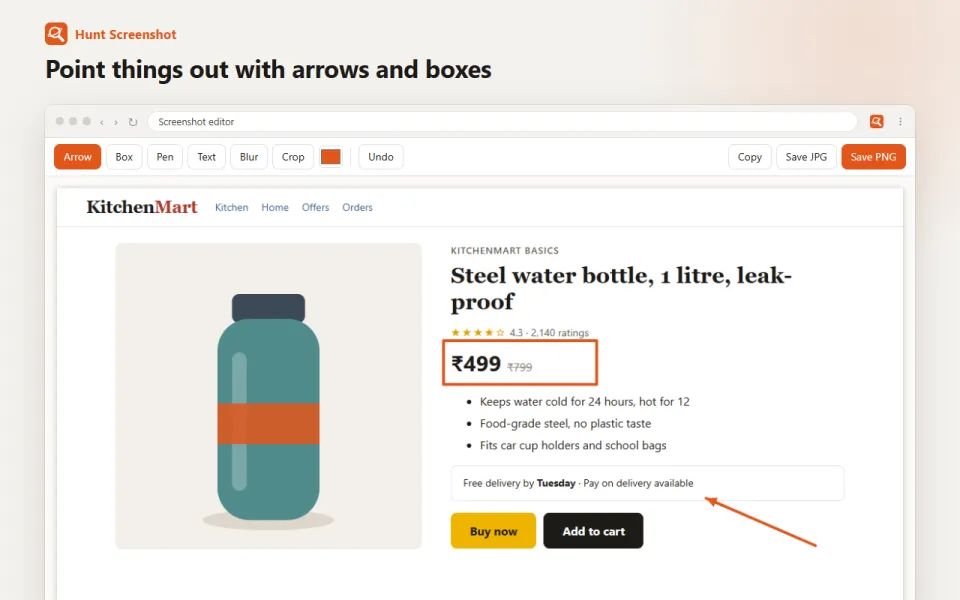
- Editor: arrows, boxes, pen, text, crop, undo
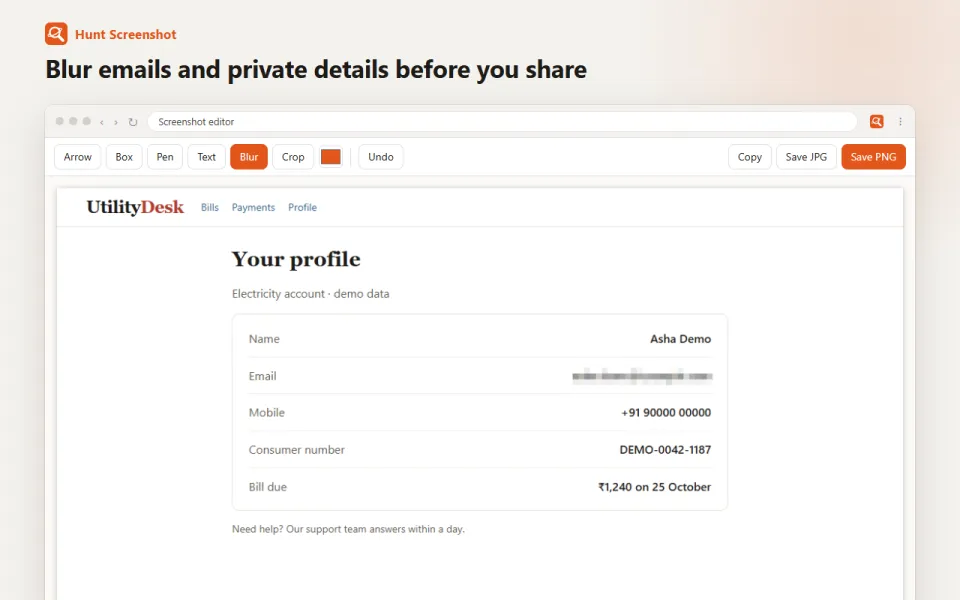
- Blur tool to hide names, numbers, emails and faces before you share
- Save as PNG or JPG, or copy to the clipboard
- Screen recorder: record a tab, a window or the whole screen as a video (.webm)
- No account needed; works offline
See it in action
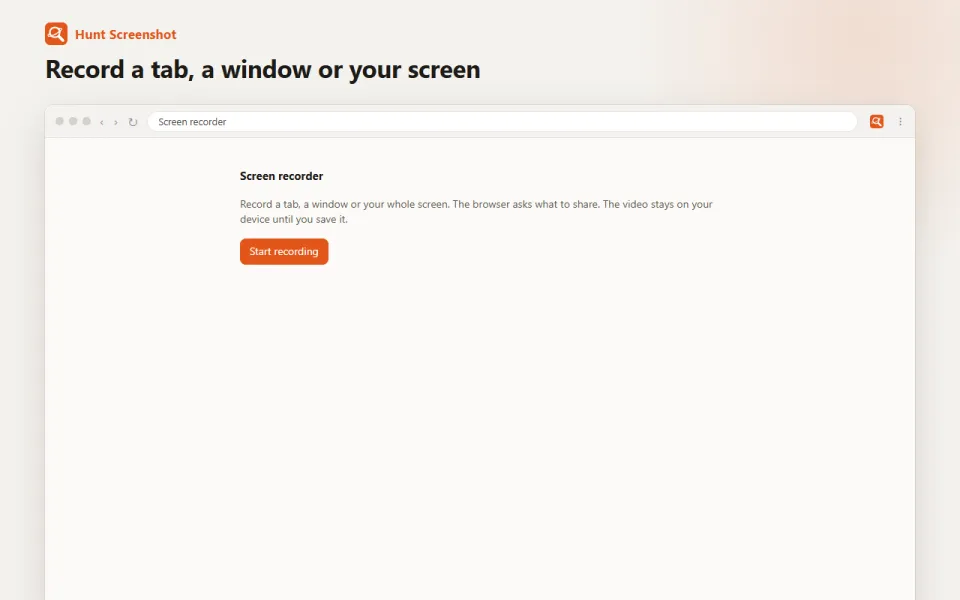
Privacy, in plain words
What it works with: Capture the screen (screenshots and screen recordings) and edit the capture before saving it.
What it sends: Sends Hunt only a usage count (installs and minutes in use), never your pages or files.
Questions
Is it free?
Yes. Hunt Screenshot is free to install and use.
What does it send to Hunt?
Sends Hunt only a usage count (installs and minutes in use), never your pages or files. The privacy policy for Hunt extensions has the details.
More Hunt extensions
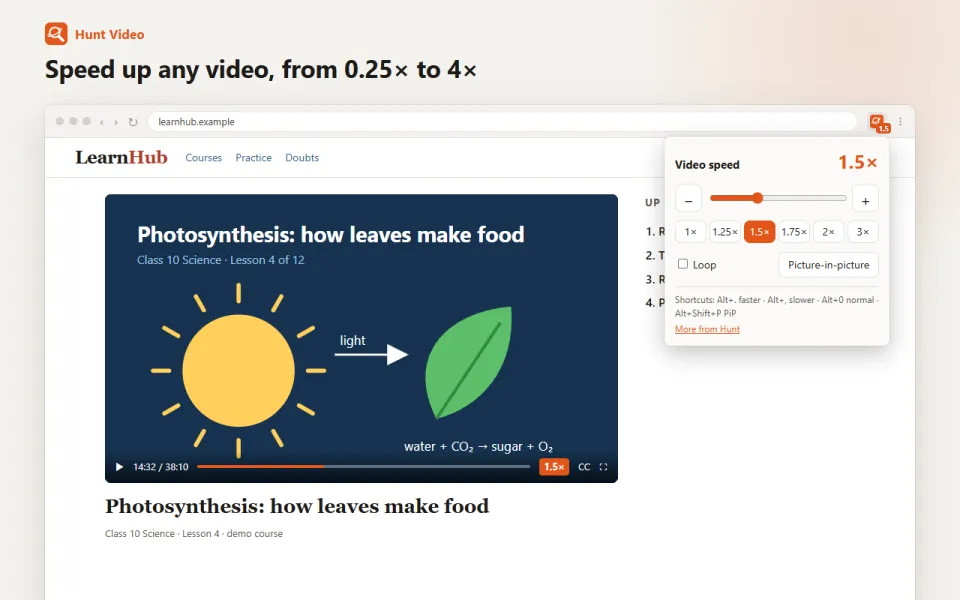
Hunt Video
Coming soonSpeed up or slow down any video, loop it, or pop it out picture-in-picture. Keyboard shortcuts. Sends Hunt only a usage count (installs and minutes in use), never your pages or files.
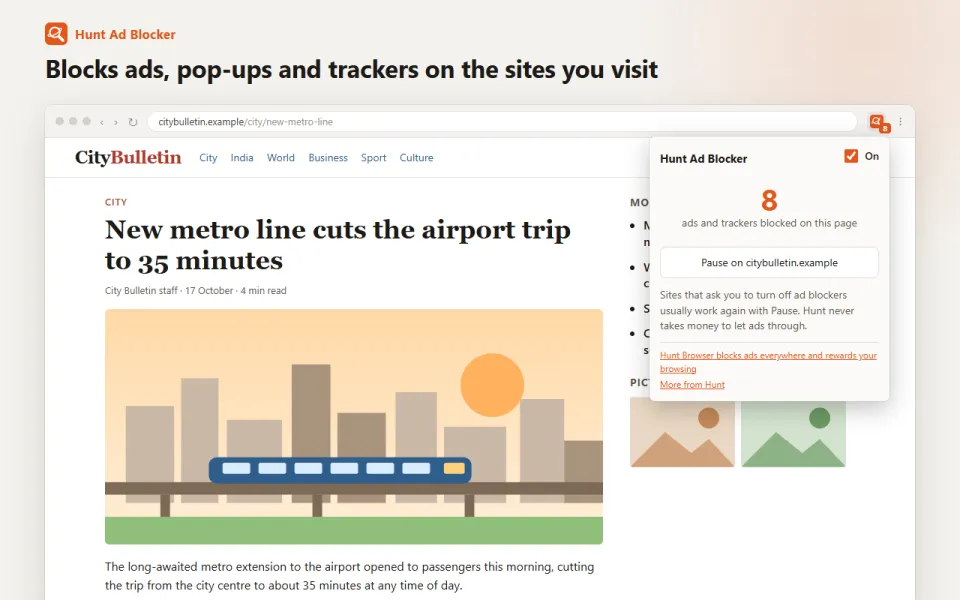
Hunt Ad Blocker
Coming laterBlock ads, pop-ups and trackers on the sites you visit, with Indian sites covered. Pause it on any site in one click.
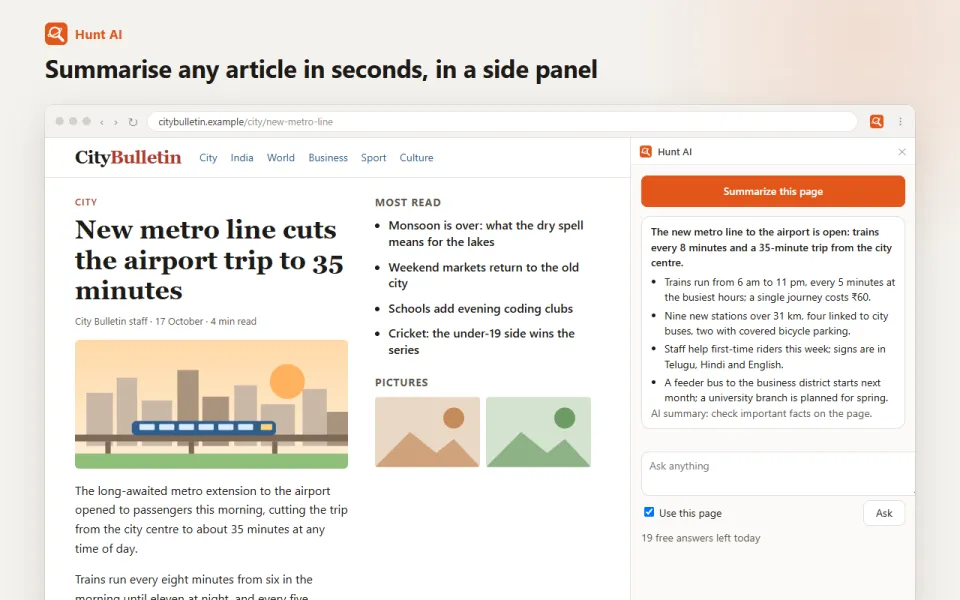
Hunt AI
Coming laterSummarise any article or page in seconds and ask questions about it, in a side panel. Free daily answers with a Hunt account.